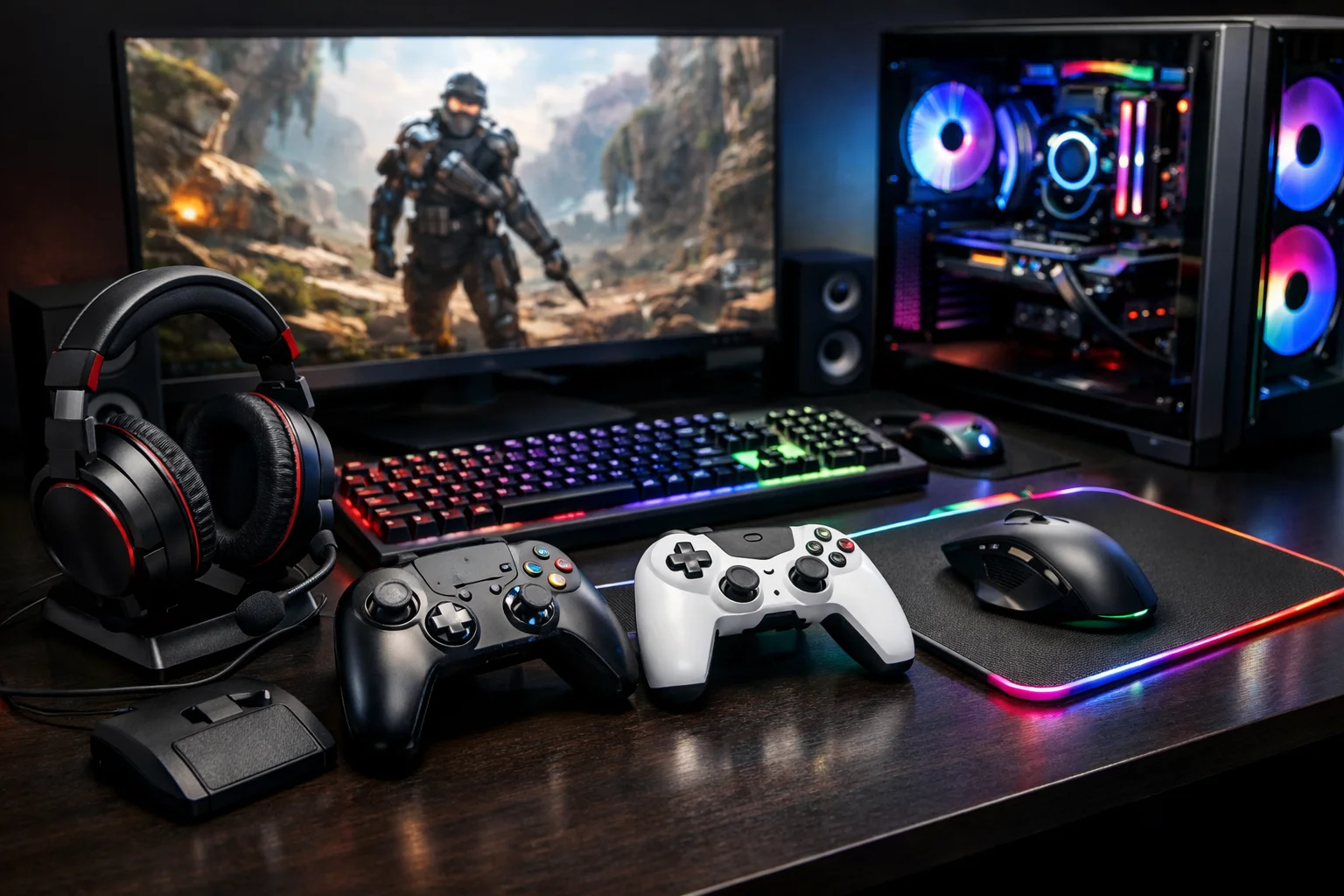
Competition in the gaming world keeps intensifying, and players are constantly hunting for any edge that sharpens their experience. Heading into 2026, the toolkit available for tuning PC performance has grown considerably. Whether you’re chasing headshots in a fast-paced shooter or losing yourself in a sprawling RPG, knowing which tools actually move the needle matters. If you’re newer to the hobby, our PC Gaming Explained guide is a good starting point before diving into the optimization side of things. This guide walks through practical, actionable ways to level up your setup and stay competitive.
What Gaming Performance Actually Requires
Strong gaming performance isn’t just a matter of owning top-tier hardware. It comes down to a mix of software tuning, network improvements, and smart configuration choices working together. Today’s gamers need tools that push frame rates higher, cut down on lag, and keep the whole experience feeling smooth. Here’s a breakdown of the tools that make the biggest difference.
Getting More From Your Hardware
Overclocking Utilities
Overclocking is still one of the most reliable ways to extract extra performance from a CPU or GPU. Programs like MSI Afterburner and Intel’s Extreme Tuning Utility (XTU) let gamers push components past their factory limits without unnecessary risk. One documented case saw a gamer using MSI Afterburner pick up a 15% FPS boost during demanding sessions — a solid illustration of what careful overclocking can deliver.
Managing Heat Effectively
Pushing performance higher means heat becomes a bigger concern. Liquid cooling setups, like the ones Corsair produces, offer stronger thermal control, keeping components running in their ideal range. Good cooling doesn’t just help performance in the moment — it extends the lifespan of your hardware too.
Software That Sharpens Performance
Keeping Your System Clean
Routine maintenance with a tool like CCleaner clears out clutter and streamlines background processes, freeing up resources your games can actually use. Staying on top of this kind of cleanup helps prevent the slowdowns and crashes that interrupt play. For gamers who want to go further than basic cleanup, detailed PC optimization guides offer practical advice on tightening up Windows performance, managing storage, and keeping a gaming rig running at its best.
Freeing Up Resources With Game Boosters
Game boosters such as Razer Cortex automatically pause unnecessary background processes and funnel available resources straight to your game. The payoff is often a noticeably more responsive experience and a healthier frame rate.
Tuning Your Network
Gaming VPNs
A VPN like NordVPN can cut down on latency while also shielding you from DDoS attacks — a real concern in competitive online play. As a bonus, a VPN can also unlock region-restricted content, expanding what you’re able to play.
Cutting Down Ping With Latency Tools
Latency-reduction software like WTFast plays a real role for online gamers, optimizing the path your connection takes to lower ping times and improve responsiveness. In fast-twitch games where milliseconds decide the outcome, this kind of tool can matter a lot.
Keeping Tabs on Performance
Real-Time System Monitors
A monitoring tool like HWMonitor gives you a live look at CPU, GPU, and RAM usage. Understanding those numbers puts you in a much better position to make targeted adjustments rather than guessing.
Benchmarking Your Setup
Benchmarking software such as 3DMark offers a full picture of what your system can handle. These tools surface bottlenecks clearly, so any upgrades or tweaks you make are actually targeted at the problem.
Leaning on the Community
Forums and Online Communities
Spaces like Reddit’s r/pcgaming or the Tom’s Hardware forums are packed with useful insight from other players. They’re a great place to discover new tools, troubleshoot problems, and swap optimization advice. For more curated advice along the same lines, our Gaming Tips section covers a wide range of practical strategies worth browsing.
When You Need Technical Support
Solid technical support — whether from a manufacturer or a third party — can save the day when hardware or software issues crop up. Plenty of companies now offer support specifically geared toward gamers, so you’re not stuck troubleshooting alone.
Building a Setup That Lasts
Energy-Conscious Choices
Sustainability is becoming a bigger consideration in gaming hardware, and products that cut power draw without sacrificing performance are gaining ground. The NZXT Kraken Z63, for example, delivers efficient cooling while keeping energy use in check.
Where AI Fits Into Optimization
AI is increasingly woven into how gaming performance gets tuned. Tools that use machine learning to adjust settings on the fly — Nvidia’s DLSS being a prime example — improve graphical fidelity while keeping performance smooth, offering an early look at where gaming tech is headed. Readers who want to keep up with these developments can also check out the latest AI technology insights covering AI software, digital trends, and where the technology is going next.
Practical Tips Worth Following
- Keep drivers and software updated to maintain compatibility and performance gains.
- An SSD upgrade pays off in faster load times and snappier responsiveness.
- Cloud gaming can supplement local hardware, especially for graphically demanding titles.
Common Problems and How to Fix Them
High latency, weak FPS, and overheating are the usual suspects gamers run into. Tackling these means dialing in network settings, using a game booster, and putting effective cooling in place. Regular monitoring also helps catch problems early, before they become bigger headaches.
Where Things Are Headed
AI and VR/AR technology are set to reshape gaming in a meaningful way. As these tools mature, staying competitive will mean adapting your setup and strategy alongside them. Keeping an eye on these trends now will pay off down the line.
Putting It Into Practice
- Take stock of your current setup and pinpoint where the weak spots are.
- Choose tools that actually fit your gaming needs and budget — not just what’s trending.
- Roll out changes one at a time so you can clearly see what’s working.
- Stay active in gaming communities to keep learning about new tools and techniques.
Frequently Asked Questions
- What are the best PC optimization tools for gamers? MSI Afterburner for overclocking, Razer Cortex for game boosting, and WTFast for latency reduction are all strong picks.
- How can I reduce latency in online games? Latency tools like WTFast, along with a gaming VPN, can meaningfully cut down ping times.
- What software can improve gaming graphics? AI-driven tools like Nvidia’s DLSS boost graphics quality without sacrificing performance.
- Are gaming VPNs worth it? Generally, yes — they add security, reduce latency, and open up region-locked content.
- How do benchmarking tools help gamers? They pinpoint bottlenecks, so upgrades and tweaks target the right problem.
- What are the most energy-efficient gaming setup tools? Liquid cooling systems and power-efficient components help keep energy use down.
- Which performance tools work best for specific genres? FPS players should prioritize latency reducers and high-refresh monitors, while RPG fans benefit most from stronger graphics and faster load times via an SSD.
With the right mix of tools and a bit of strategy, your PC gaming performance in 2026 can improve significantly. Stay curious, keep experimenting, and keep optimizing for the best experience possible.