Console Gaming Explained for Beginners
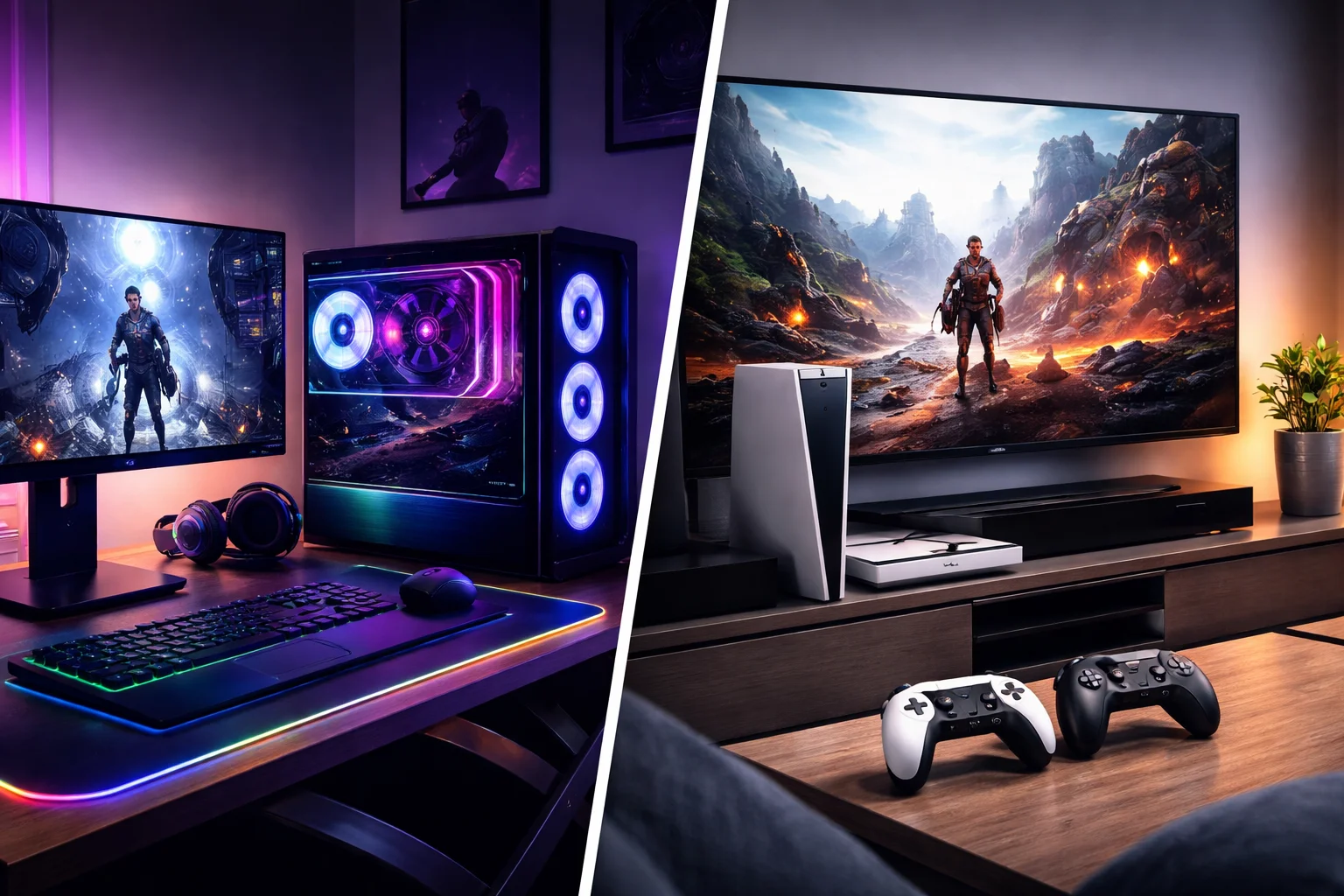
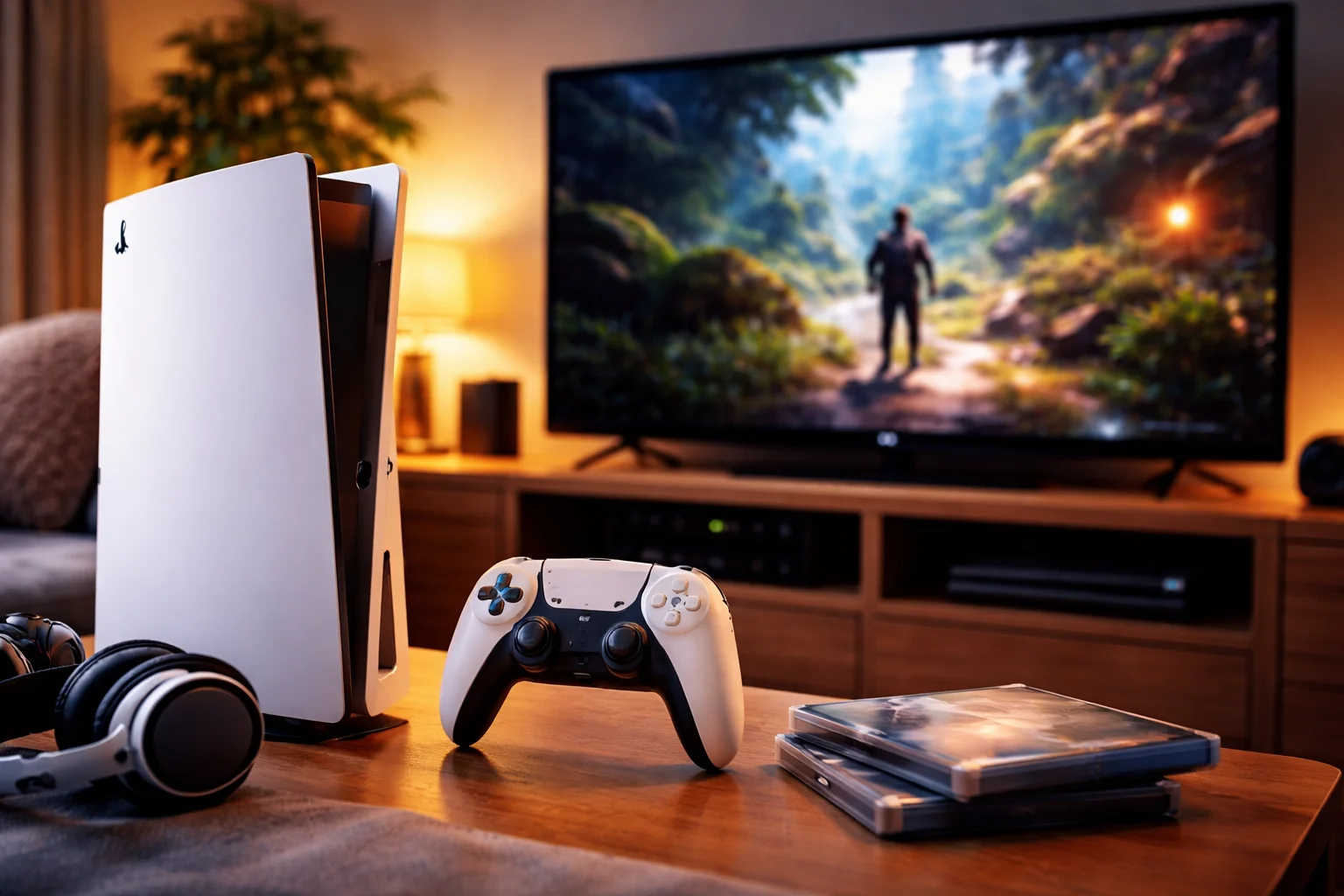
If you’ve never owned a gaming console, it can feel confusing at first. People talk about PlayStation, Xbox, controllers, discs, and online play as if everyone already knows what they mean. You might be wondering: Is console gaming hard to start? Do I need technical skills? Is it expensive? This guide will walk you through console gaming in a simple, clear way. By the end, you’ll understand what a console is, how it works, and whether it’s the right choice for you. What Is Console Gaming? Console gaming means playing video games on a dedicated gaming device that connects to your TV or monitor. Unlike a PC, a console is built mainly for gaming, so everything is designed to be simple and plug-and-play. See also EuroGamersOnline Console Gaming – Complete Guide for Players Popular consoles include PlayStation, Xbox, and Nintendo systems. Each one has its own style of games and features, but the basic idea is the same. How consoles are different from PCs and mobile games Consoles sit between mobile gaming and PC gaming. Mobile games are casual and played on your phone. PC games can be powerful but often need setup and upgrades. Consoles focus on ease, comfort, and consistency. You turn it on, pick a game, and play. No complicated settings needed. What Do You Need to Start Console Gaming? Getting started with console gaming is simpler than most beginners expect. The console itself This is the main device. It’s the box that runs the games. Different brands offer different experiences, but all modern consoles are designed to be user-friendly. A controller The controller is what you hold in your hands. It has buttons, sticks, and triggers to control your character, car, or actions in the game. Every console comes with at least one controller. A TV or monitor Consoles connect to a screen using an HDMI cable. Any modern TV or monitor will work. Bigger screens make games more immersive, but you don’t need anything fancy. Games (physical or digital) You can buy games on discs or download them directly to the console. Digital downloads are becoming more common and are very convenient. How Does Console Gaming Actually Work? Many beginners worry it will be complicated. In reality, consoles are designed for simplicity. Turning on and navigating the menu You press the power button, and the console boots into a home screen. From there, you can see your games, settings, and online store. You use the controller to move around, just like using a remote. Installing and launching games If you have a disc, you insert it and follow on-screen steps. If you buy a game online, you download it and wait for it to install. Once it’s ready, you select the game and press play. Saving progress Consoles automatically save your progress. You can usually pick up exactly where you left off next time. What Types of Games Can You Play? Console gaming covers almost every genre you can imagine. This is one of its biggest strengths. Action and adventure games These are story-driven games where you explore worlds, solve puzzles, and fight enemies. They often feel like playing through a movie. Sports and racing games You can play football, cricket, basketball, or race cars and bikes. These games are very popular with beginners because they’re easy to understand. Family and casual games Many consoles offer fun, simple games for kids and families. These are great for parties and relaxed play. Online multiplayer games These let you play with or against other people around the world. You can team up with friends or meet new players. Is Console Gaming Good for Beginners? For most people, yes. Consoles are one of the easiest ways to get into gaming. Easy setup You don’t need to worry about graphics cards, drivers, or upgrades. Everything is ready out of the box. Consistent experience All games are made to work smoothly on that console. You don’t need to adjust settings to make things run. Comfortable way to play You can sit on your couch, hold a controller, and relax. This makes console gaming feel more social and less technical. Do You Need the Internet for Console Gaming? Not always, but it depends on what you want to play. Offline gaming Many single-player games work fully offline. You can enjoy stories, missions, and challenges without the internet. Online gaming If you want to play with other people, download games, or get updates, you’ll need an internet connection. Some consoles also require a paid subscription for online multiplayer. How Much Does Console Gaming Cost? Cost is a common concern for beginners. Console price The price depends on the model and generation. Newer consoles cost more, while older models are cheaper and still fun. Game prices New games can be expensive, but sales happen often. You can also buy used discs or choose free-to-play games. Optional subscriptions Some consoles offer monthly services for online play and access to game libraries. These are optional but useful. Overall, console gaming can be as affordable or premium as you choose. How to Choose the Right Console as a Beginner There is no “best” console for everyone. The right one depends on what you enjoy. Think about the games you like If you love sports, racing, or action, most consoles will suit you. If you like family or party games, some consoles focus more on that style. Consider who you’ll play with If your friends already have a certain console, choosing the same one makes it easier to play together. Look at comfort and style Some people prefer handheld options, others like big living-room setups. Go with what fits your lifestyle. Common Beginner Mistakes to Avoid Starting something new always comes with small mistakes. These are easy to avoid once you know them. Buying too many games at once It’s better to start with one or two games and really enjoy them before adding more. Ignoring tutorials Games often teach you controls step by step. Don’t