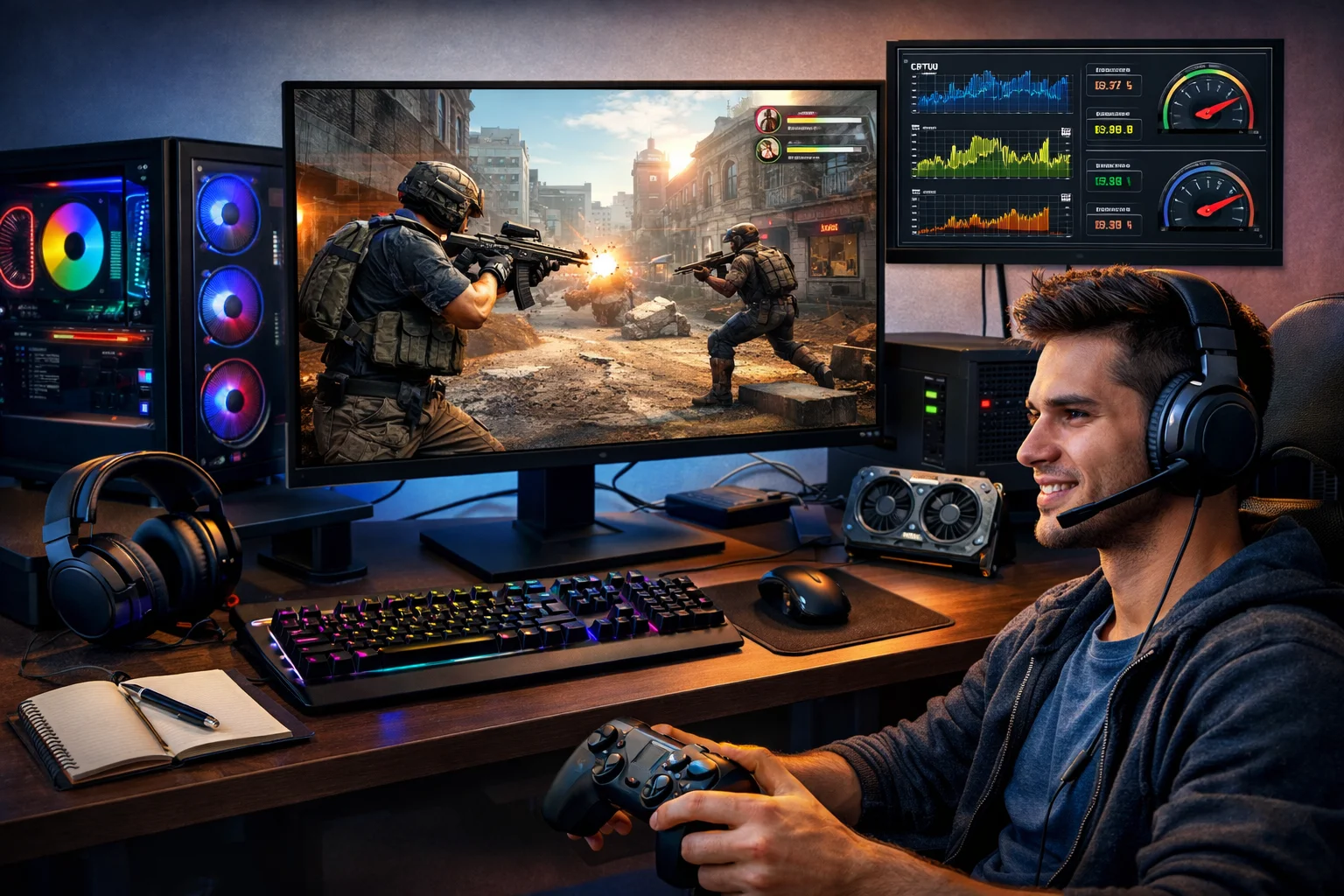
If you’ve ever looked at PC gaming and felt confused by terms like “graphics cards,” “Steam,” or “settings,” you’re not alone. Many new players want to get into PC gaming but don’t know where to start. The good news? It’s much simpler than it looks.
This guide will walk you through what PC gaming really is, how it works, and what you actually need to enjoy it. No jargon. No pressure. Just clear, practical help.
What Is PC Gaming, Really?
PC gaming simply means playing video games on a computer instead of a console like PlayStation or Xbox.
See also EuroGamersOnline PC Gaming – Complete Guide for Players
That computer can be:
- A desktop PC
- A laptop
- A custom-built gaming PC
If it can run games smoothly, it counts.
Why People Choose PC Gaming
Most players choose PC because it offers:
- More game options
- Better control with mouse and keyboard
- Higher visual quality
- The ability to upgrade over time
You’re not locked into one system. You can improve parts as you go.
What You Need to Start PC Gaming
You don’t need a perfect setup to begin. You just need a few basics.
A Computer That Can Run Games
Your PC should have:
- A decent processor (CPU)
- Enough memory (RAM)
- A graphics card (GPU) for modern games
Many entry-level laptops and PCs can handle popular games just fine.
A Monitor, Keyboard, and Mouse
These don’t need to be expensive. Comfort matters more than brand.
Start simple. Upgrade later.
Internet Connection
Most PC games are downloaded and updated online. A stable connection makes everything smoother.
How PC Games Are Installed and Played
Unlike consoles, PC games are usually downloaded through online platforms.
Popular Game Platforms
The most common ones are:
- Steam
- Epic Games Store
- Xbox App (for PC)
- GOG
You create an account, download the app, buy or download a game, and play.
That’s it.
No discs. No complicated setup.
Understanding PC Game Controls
PC games are mainly controlled with:
- Keyboard for movement and actions
- Mouse for aiming and camera control
Some players also use controllers. Both options work.
Why Mouse and Keyboard Are Popular
They offer:
- Faster aiming
- More precision
- Custom key bindings
It feels strange at first, but becomes natural quickly.
Game Settings: What Actually Matters
New players often ignore settings, but they can make a big difference.
Graphics Settings
These control how the game looks.
If your game feels slow:
- Lower shadows
- Reduce resolution
- Turn off extra effects
The game will run smoother.
Sensitivity and Controls
Adjust mouse sensitivity and key bindings so they feel comfortable. Everyone is different.
There is no “correct” setting.
Types of PC Games You’ll Find
PC gaming has something for every taste.
Action and Shooter Games
Fast-paced games where reflexes matter.
Examples: Call of Duty, Valorant, Apex Legends
Strategy and Simulation Games
Slower, thoughtful games where planning is key.
Examples: Civilization, Cities: Skylines, The Sims
Role-Playing Games (RPGs)
Story-driven games with characters and choices.
Examples: Skyrim, Baldur’s Gate, Cyberpunk
Indie and Casual Games
Smaller games that are creative and relaxing.
Examples: Stardew Valley, Hades, Among Us
Single Player vs Multiplayer on PC
PCs are strong in both.
Single Player
You play alone, at your own pace. Great for story and exploration.
Multiplayer
You play with or against others online. Good for competition and social play.
Many games offer both.
Is PC Gaming Expensive?
It doesn’t have to be.
Starting on a Budget
You can:
- Use an existing PC or laptop
- Play free-to-play games
- Buy games on sale
Many excellent PC games cost little or nothing.
Upgrading Over Time
You don’t need everything at once. Upgrade when you can. Slowly is fine.
Common Myths About PC Gaming
Let’s clear up a few things.
“You Need a Super Expensive PC”
Not true. Many games run on modest systems.
“PC Gaming Is Only for Hardcore Players”
Also false. There are casual, relaxing games for everyone.
“It’s Too Complicated”
At first, yes. After a week, it feels normal.
Staying Safe While PC Gaming
A few simple habits keep you protected.
Use Trusted Game Stores
Stick to known platforms. Avoid random downloads.
Keep Your System Updated
Updates fix bugs and security issues.
Be Careful in Online Chats
Don’t share personal information. Mute or block toxic players.
Your experience should be fun, not stressful.
How to Improve as a New PC Gamer
You don’t need to be good immediately.
Take Your Time
Learning controls takes practice. That’s normal.
Watch and Learn
YouTube and streams can teach you tricks quickly.
Play What You Enjoy
Don’t chase trends. Play what feels fun to you.
FAQ: Quick Answers for New PC Gamers
Do I need a gaming PC to start?
No. Many games run on normal computers. You can upgrade later if needed.
Is PC gaming hard to learn?
It feels awkward at first, but most players adjust within a few days.
Can I use a controller on a PC?
Yes. Many PC games support controllers.
Final Thoughts
PC gaming isn’t about having the best hardware or knowing every technical detail. It’s about enjoying games your way, at your pace, on a platform that gives you freedom and choice.
Start simple. Learn as you go. Upgrade when you’re ready.
Once you settle in, PC gaming becomes one of the most flexible and rewarding ways to play.